Kimi K2.7 Code in GitHub Copilot: How to Enable It
Last updated: July 31, 2026 | Verified against GitHub’s official changelog
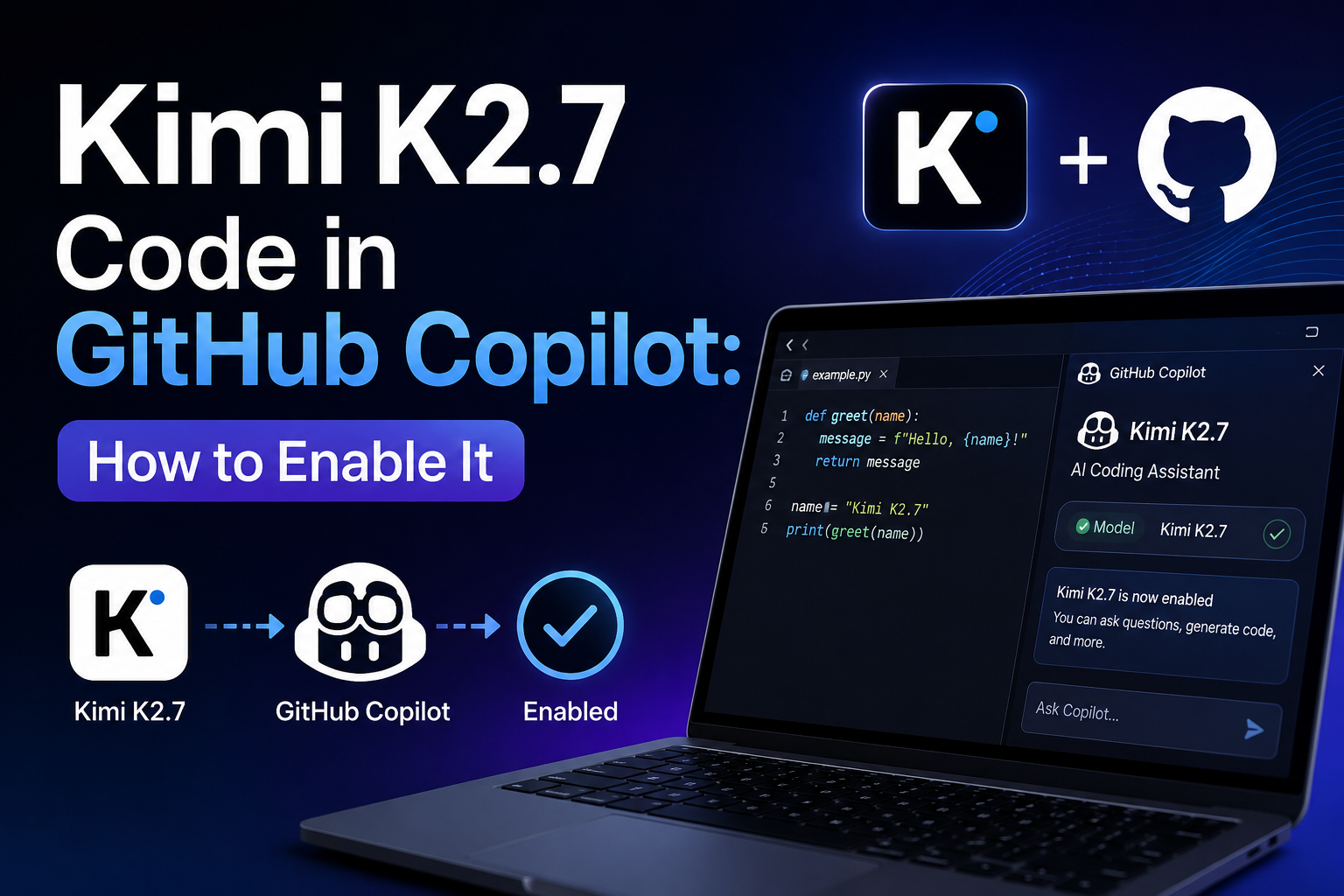
Enabling Kimi K2.7 Code in GitHub Copilot depends entirely on which plan you are on. On Copilot Pro, Pro+, and Max, there is nothing to enable the model appears in your model picker automatically as the gradual rollout reaches your account. On Copilot Business and Enterprise, it is off by default, and a plan administrator must switch on the Kimi K2.7 Code policy in Copilot settings before anyone in the organisation can select it. If the policy stays off, the model simply does not exist for that org.
This guide covers both paths, why the model may not be showing up yet, and what a security team should check before enabling it.
What Is Kimi K2.7 Code?
Kimi K2.7 Code is a coding model from Moonshot AI, a Beijing-based lab. It became generally available in the GitHub Copilot model picker on July 1, 2026, reaching Business and Enterprise plans on July 7, 2026.
Its significance is structural rather than just another model card: it is the first open-weight model offered as a selectable option in Copilot’s model picker. Open-weight means the trained parameters are published anyone can inspect, modify, or run them independently, unlike closed models where parameters stay proprietary.
The technical specifics:
| Specification | Detail |
| Architecture | Mixture-of-Experts |
| Total parameters | 1 trillion |
| Active parameters per token | 32 billion |
| Context window | 256K |
| Thinking mode | Mandatory disabling it returns an API error |
| Licence | Modified MIT, weights published on Hugging Face |
| Hosting in Copilot | GitHub, on Microsoft Azure |
| Billing | Provider list pricing under usage-based billing |
Two details there matter more than they look. Thinking mode is not optional if your tooling expects to disable reasoning for speed, that will error out rather than silently degrade. And GitHub hosts inference on Azure, meaning your code does not travel to Moonshot AI’s own infrastructure when used inside Copilot.
How to Enable Kimi K2.7 Code in GitHub Copilot
If you are on Copilot Pro, Pro+, or Max
There is no setting to change. The steps are:
- Update your IDE. Support requires Visual Studio Code 1.127.0 or newer, Visual Studio 17.14.6 or newer, or JetBrains 1.9.1-251 or newer. Xcode, Eclipse, and the Copilot CLI are also supported surfaces.
- Open the model picker in your Copilot chat panel.
- Look for Kimi K2.7 Code in the list.
- Select it and start sending coding tasks through it.
If it is not there, see the troubleshooting section below the most common reason is not an error on your end.
If you are on Copilot Business or Enterprise
The model is off by default, and this is a deliberate choice by GitHub rather than a rollout gap. An administrator must act:
- Sign in as a Copilot plan administrator for your organisation or enterprise.
- Open Copilot settings for the organisation.
- Find the Kimi K2.7 Code policy in the model policy list.
- Enable the policy. Until this is switched on, the model does not appear in any user’s picker in that organisation.
- Confirm with users that the model now appears client version requirements still apply on top of the policy.
If you are a developer on Business or Enterprise and the model is missing, the fix is a request to your admin, not a reinstall.
Why Is Kimi K2.7 Code Not Showing in My Model Picker?
Work through these in order they cover almost every case:
You are on Business or Enterprise and the policy is off. By far the most common cause. Nothing you do locally will surface the model. Ask your Copilot admin to enable the policy.
The gradual rollout has not reached your account. GitHub rolled this out progressively rather than all at once, while monitoring model quality and performance. On individual plans, this genuinely requires no action just waiting.
Your client is out of date. Check you are on VS Code 1.127.0+, Visual Studio 17.14.6+, or JetBrains 1.9.1-251+. An older build will not show the model even if your account has access.
You are on a surface that was not in the first wave. The initial rollout focused on Visual Studio Code, with other surfaces following. If you are working somewhere else, try VS Code to confirm whether it is a surface issue or an account issue.
You are on Copilot Free. The rollout covered Pro, Pro+, Max, and later Business and Enterprise. Free is not in that list.
What Should You Check Before Enabling It?
This section is for administrators, and it deserves more than a sentence GitHub’s own guidance is direct about reviewing open-weight models against your security, compliance, and data-governance requirements before enabling.
The default-off posture for Business and Enterprise is itself the signal. GitHub does not ship every model that way. It reflects that this model carries a different procurement profile from other options in the picker, and it deliberately gives organisations time to evaluate rather than discovering it is already in use.
Practical checklist:
Confirm where inference runs. GitHub hosts the model on Microsoft Azure, so code sent through Copilot does not reach Moonshot AI’s infrastructure. If your organisation has cross-border data requirements, review the applicable Azure data processing terms rather than assuming.
Check your policy on model origin. Some organisations have explicit rules about models developed in particular jurisdictions, regardless of where inference is hosted. This is a policy question, not a technical one, and it is faster to answer before enabling than after.
Use the open weights as an advantage. The weights are published under a Modified MIT licence on Hugging Face. For vendor assessment purposes, this means you can reference an actual model card and inspect what you are running a stronger position than most closed-model evaluations allow.
Understand the billing. The model is billed at provider list pricing under usage-based billing, not included flat. Check GitHub’s pricing page for models and requests before assuming it is free within your plan.
Decide deliberately. Enabling is an affirmative choice. If your security team has not seen it, the honest answer is “not yet” rather than “probably fine.”
Is Kimi K2.7 Code Worth Using?
The pitch is a lower-cost option in the Copilot picker with a large context window and open weights. For many routine coding tasks, that combination is genuinely attractive.
Some honest limits on what anyone can tell you right now:
Benchmark comparisons are early and moving. Model rankings in coding have shifted repeatedly through 2026, and a comparison written a month ago may describe versions that have since been updated on either side. Treat leaderboard claims as a snapshot.
Mandatory thinking mode affects latency. Reasoning tokens take time. Reports indicate roughly 30% lower reasoning token usage than its predecessor, which helps, but this is not the model to reach for when you want instant inline completion.
The practical test is your own codebase. Because the model is selectable rather than a replacement, you can run the same task through Kimi K2.7 Code and through your usual model and compare directly. That takes ten minutes and beats any published benchmark for your specific situation. (→ internal link: Browse our Software guides)
Why This Release Matters Beyond One Model
Worth a short note, because it explains why this got more coverage than a typical model addition.
Copilot’s model picker had been a roster of closed models from major labs. Adding an open-weight option changes what the picker is it becomes a procurement decision surface rather than a convenience feature, which is precisely why GitHub added an admin policy alongside it.
The compressed timeline is also notable: Moonshot published the weights in mid-June, and GitHub made the model selectable in Copilot less than three weeks later. Evaluation cycles that used to take quarters are now taking weeks, which puts more of the governance burden on the organisations adopting rather than the platform shipping.
If more open-weight models follow the same path and the incentives suggest they will deciding your organisation’s policy on them now is easier than deciding it under pressure later. (→ internal link: Browse our Security Tips)
Frequently Asked Questions About Kimi K2.7 Code in GitHub Copilot
How do I enable Kimi K2.7 Code in GitHub Copilot? On Copilot Pro, Pro+, and Max there is nothing to enable select it in the model picker once the rollout reaches your account. On Copilot Business and Enterprise, a plan administrator must first enable the Kimi K2.7 Code policy in Copilot settings, because the model is off by default.
Why can’t I see Kimi K2.7 Code in my model picker? The most likely reasons are that you are on Business or Enterprise and the admin policy is off, the gradual rollout has not reached your account yet, or your IDE version is below the minimum requirement.
What IDE version do I need? Visual Studio Code 1.127.0 or newer, Visual Studio 17.14.6 or newer, or JetBrains 1.9.1-251 or newer. Xcode, Eclipse, and the Copilot CLI are also supported surfaces.
Is Kimi K2.7 Code free in Copilot? No. It is billed at provider list pricing under usage-based billing. It is positioned as a lower-cost option rather than an included one, so check GitHub’s pricing for models and requests before relying on it heavily.
Does my code get sent to China? GitHub hosts the model on Microsoft Azure, so code sent through Copilot does not reach Moonshot AI’s own infrastructure. Organisations with cross-border data requirements should still review the applicable Azure data processing terms as part of their normal assessment.
What is an open-weight model? A model whose trained parameters are published publicly, allowing inspection, modification, or independent execution. Closed-weight models keep their parameters proprietary. Kimi K2.7 Code’s weights are published on Hugging Face under a Modified MIT licence.
Why is it off by default for Business and Enterprise? GitHub made it an administrator decision so organisations can assess the model against their own security, compliance, and data-governance requirements before it becomes available to developers.
Can I turn off thinking mode for faster responses? No. Thinking mode is mandatory on this model, and attempting to disable it returns an API error rather than falling back to a non-reasoning response.