Perplexity Comet vs Chrome: Is the AI Browser Actually Worth Switching To?
Last updated: July 31, 2026
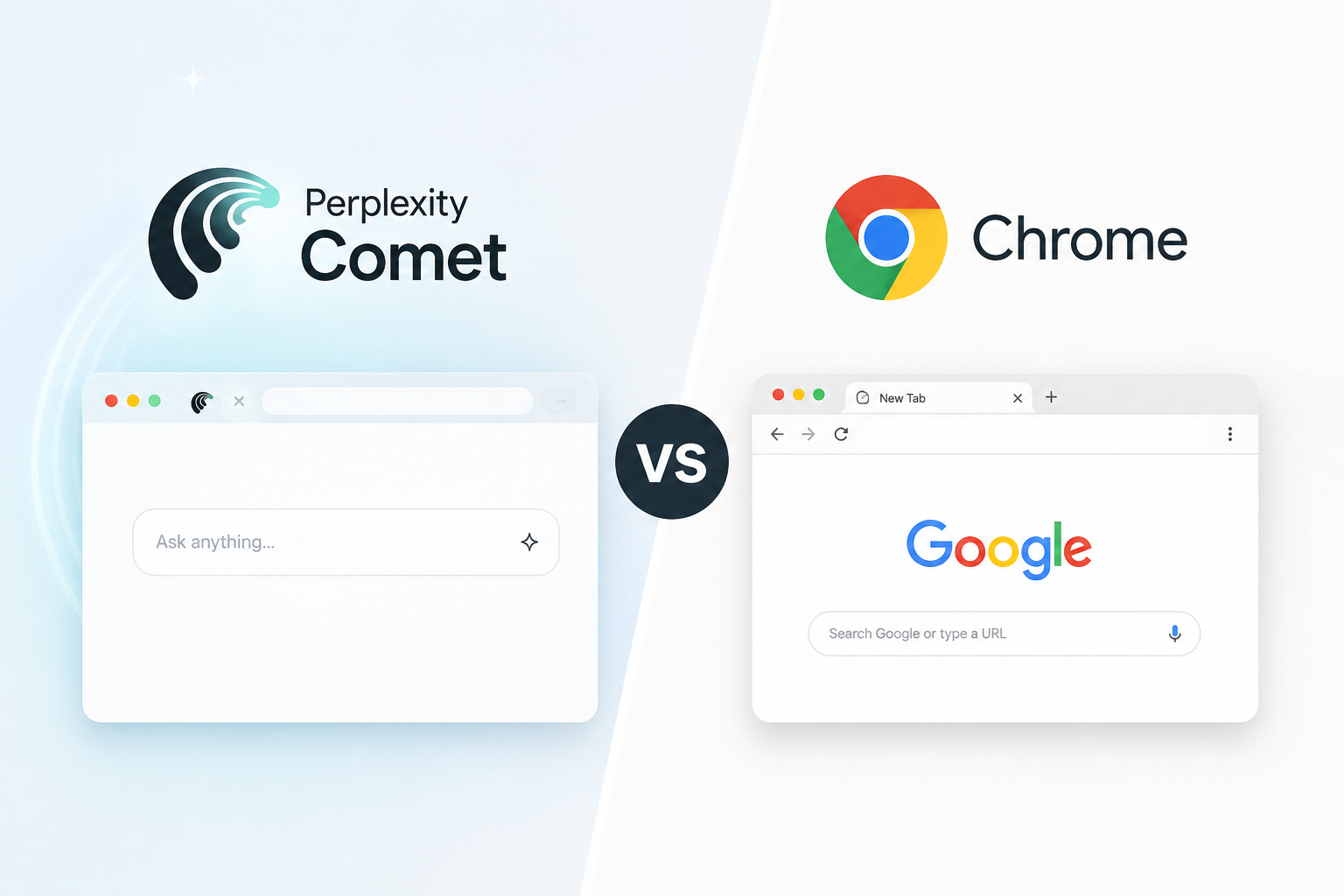
The honest answer to Perplexity Comet vs Chrome is that they are not really competing for the same job. Comet is a Chromium-based browser with an AI agent built into the sidebar it can read the tab you are on, hold context across your session, and take actions like filling forms or comparing prices across open tabs. Chrome is faster, lighter on memory, has a far deeper extension ecosystem, and remains the standard for developer tooling. Comet is free to download on Mac, Windows, iOS and Android, with no account needed for basic use, so the switching cost is close to zero. Whether it is worth it depends almost entirely on whether you spend your day researching and synthesising, or building and testing.
This comparison covers what Comet genuinely does better, where Chrome still wins outright, what the pricing tiers actually unlock, and who should skip it.
What Is Perplexity Comet?
Comet is an AI-native web browser from Perplexity, built on Chromium the same engine underneath Chrome. On the surface it behaves like any modern browser: tabs, bookmarks, extensions, familiar layout. The difference sits in the sidebar, where an AI assistant runs natively and knows what you are currently looking at.
The rollout is worth knowing because it explains a lot of outdated information still circulating:
- July 9, 2025 launched to Perplexity Max subscribers only, at $200 per month
- October 2, 2025 released free worldwide, ending the paywall
- November 2025 Android app
- March 18, 2026 iOS app
If you have read that Comet costs $200 a month, that information is roughly a year out of date. Some articles also list the free rollout as March 2026 that was the iOS launch date, not the paywall removal. The browser has been free since October 2025.
Comet Assistant vs Comet Agent: The Distinction That Matters
Most comparisons blur these two into “the AI features,” which makes pricing confusing. They are different things:
Comet Assistant reads and explains. It summarises the page you are on, answers questions about on-screen content, and works across your open tabs. This is available on the free tier.
Comet Agent does and executes. It navigates the web, clicks buttons, fills forms, and completes multi-step tasks on your behalf. Agent actions consume credits that scale with your plan.
This distinction is the whole pricing story. If you mainly want a browser that can explain and summarise what you are reading, the free tier genuinely covers it. If you want the browser to go off and do things, that is where the paid tiers start to matter.
Worth noting separately: Comet is not the same product as Perplexity Computer, which is Perplexity’s standalone agentic tool for deeper workflow automation across connected apps.
Perplexity Comet vs Chrome: Where Each One Actually Wins
Where Comet is genuinely better
Multi-tab synthesis. Ask it to compare three products across three open tabs and it does it in one step. In Chrome, that is manual reading and mental note-keeping, or copy-pasting into a separate AI tool.
Context that persists. The assistant knows what you were looking at earlier in the session. You do not re-explain your task every time you ask something.
Research workflows. Perplexity’s Deep Research multi-source synthesis that previously lived only in the Perplexity app — is built into the browser. For anyone whose job is reading and summarising, this removes a lot of tab-switching.
Connected accounts. With permission, Comet can read your email and calendar to answer questions and take context-aware actions. Useful and genuinely convenient and also the feature that deserves the most thought before you enable it.
Where Chrome still wins
Developer tooling. Chrome DevTools remains unmatched. If you live in the console, the network tab, or Lighthouse, Comet is not a replacement.
Extension ecosystem. Comet supports Chromium extensions, but Chrome’s ecosystem, compatibility, and update cadence are still ahead.
Resource usage. Running an AI assistant continuously costs memory. On machines with limited RAM, this is noticeable, and multiple reviewers have flagged it as a real trade-off rather than a minor one.
Maturity and stability. Chrome has more than three billion users and a decade-plus of hardening. Comet is a young product moving fast.
Nothing to learn. Chrome does what you expect. Comet has a genuine learning curve before the AI features change how you work rather than just sitting there.
What Do the Paid Tiers Actually Cost?
| Plan | Price | What it adds |
| Free | $0 | Browser, Comet Assistant, basic AI features |
| Comet Plus | $5/month | Access to premium publisher content |
| Perplexity Pro | $20/month | Full AI features, higher limits, includes Comet Plus |
| Perplexity Max | $200/month | Autonomous Background Assistants, top-tier model access, no usage limits |
| Enterprise | From $40/seat/month | MDM deployment, SOC 2 compliance, admin controls |
The practical read: most people get the majority of the value from the free tier. Pro at $20 is where researchers and heavy users tend to land, and it is worth noting that if you already pay for Perplexity Pro, moving to Comet costs you nothing extra — you are getting the browser form of a subscription you already have.
Max at $200 exists for people who genuinely want autonomous agents running tasks unattended. That is a real use case, but it is a narrow one, and it is not the tier most readers should be evaluating.
The Privacy Trade-Off Nobody Should Skip
This deserves its own section rather than a footnote.
An AI browser that can help with your email needs access to your email. Comet asks for read and write access to accounts like Gmail and Google Calendar in order to deliver its most useful features. That is not a hidden practice it is a stated requirement, and it is the honest cost of the convenience.
Before enabling it, worth asking: does the work you would delegate justify granting an AI agent write access to your inbox? For some people the answer is clearly yes. For anyone handling client data, legal material, medical information, or anything under a confidentiality obligation, the answer deserves more thought than a permissions dialog usually gets.
There is also a broader point. An agentic browser that can click buttons and fill forms on your behalf is, structurally, a tool that can take consequential actions from ambiguous instructions. Reviewing what it is about to do rather than approving on autopilot is a sensible habit while these products are still young. (→ internal link: Browse our Online Privacy guides)
Who Should Switch, and Who Should Not
Switch if you are: a researcher, writer, analyst, student, journalist, or anyone spending three or more hours a day reading with research intent. The multi-tab synthesis and in-browser research genuinely change the workflow rather than just decorating it.
Stay on Chrome if you are: a developer who lives in DevTools, working on a machine with limited RAM, dependent on extensions with uncertain compatibility, or handling sensitive data where granting account access is not an option.
The practical middle ground: because Comet is free and Chromium-based, you do not have to choose. Install it, run it alongside Chrome for a week on your normal workflow, and keep Chrome for development and anything sensitive. Most people who try this arrive at a clear answer within a few days and “I went back to Chrome” is a perfectly reasonable outcome, not a failed experiment.
One thing to keep in perspective: Comet is not the only AI browser. Google has been building Gemini into Chrome, and several competitors have shipped their own agentic browsers. If Chrome’s own AI features cover what you need, switching browsers to get them may not be necessary at all. (→ internal link: Browse our Browser Tips)
Frequently Asked Questions About Perplexity Comet vs Chrome
Is Perplexity Comet better than Chrome? Neither is better overall they optimise for different work. Comet is stronger for research, multi-tab synthesis, and delegating browsing tasks to an AI agent. Chrome is stronger for development, extension compatibility, resource efficiency, and stability. Because Comet is free and Chromium-based, running both is a practical option.
Is Comet browser free? Yes. Comet has been free worldwide since October 2, 2025, on Mac, Windows, iOS and Android, with no account required for basic browsing. Paid tiers add optional features: Comet Plus at $5/month, Perplexity Pro at $20/month, and Max at $200/month.
Does Comet still cost $200 a month? No. That was the original July 2025 launch price when Comet was limited to Perplexity Max subscribers. The paywall was removed in October 2025. Max still exists at $200/month, but it is optional and aimed at users who want autonomous background agents.
Can Comet use Chrome extensions? Comet is built on Chromium and supports Chromium extensions, though compatibility is not guaranteed for every extension. If a specific extension is critical to your workflow, test it before committing.
Does Comet need access to my email? Only for the features that require it. Comet asks for read and write access to services like Gmail and Google Calendar to answer questions about your inbox and take context-aware actions. Basic browsing and page summarisation do not require this, so you can use Comet without granting account access.
What is the difference between Comet Assistant and Comet Agent? Assistant reads and explains what is on your screen and is available free. Agent actively navigates, clicks, and completes multi-step tasks, and its actions consume credits that scale by plan.
Is Comet available on Linux? Comet ships on macOS, Windows, iOS and Android. Linux support has not been part of the standard release lineup, so Linux users should check current availability before planning around it.
Will an AI browser slow down my computer? It can. Running an AI assistant continuously uses more memory than a standard browser session, and reviewers have consistently flagged RAM usage as one of Comet’s real trade-offs. On machines with 8GB or less, this is worth testing before switching.